How to change the email subject and text when emailing from Accentis
Overview
It is possible to change the email subject and text when emailing from Accentis. This is a two-step process that includes selecting the report you want to modify, and editing the details you want to change.
Process
Select the report you want to modify
- From the main menu, go to Database > Report manager
- From the report list on the left, expand the list using the + to locate your report. It will be located under the Function Group to which it relates (e.g. a Delivery Docket report is under the Accounts Receivable group)
- Click on the report whose details you want to modify. The report details will now display in the right-hand panel as shown below.
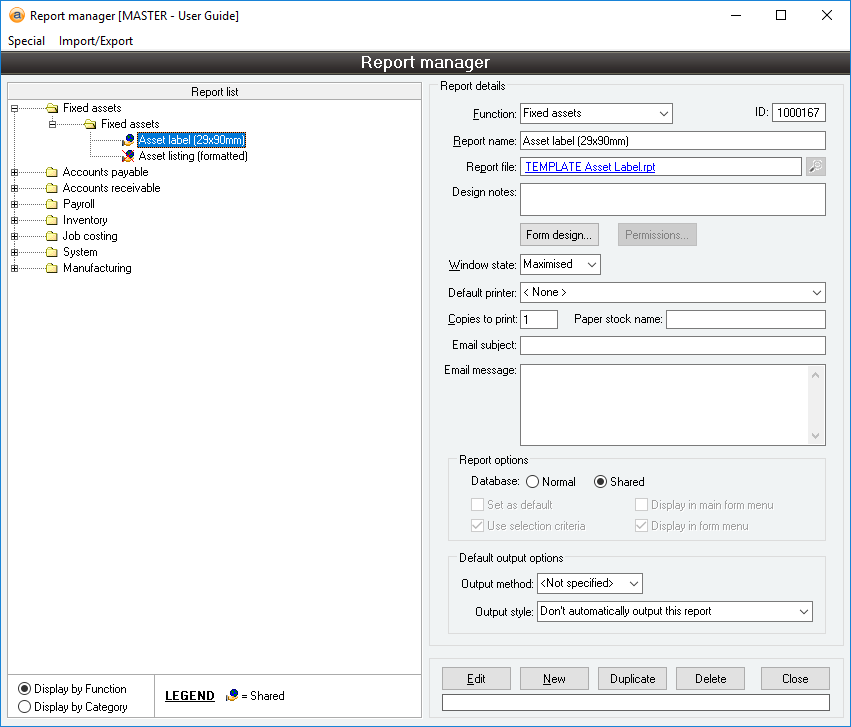
Editing the email details
To edit the email subject and the email text:
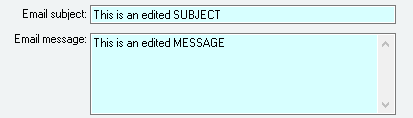
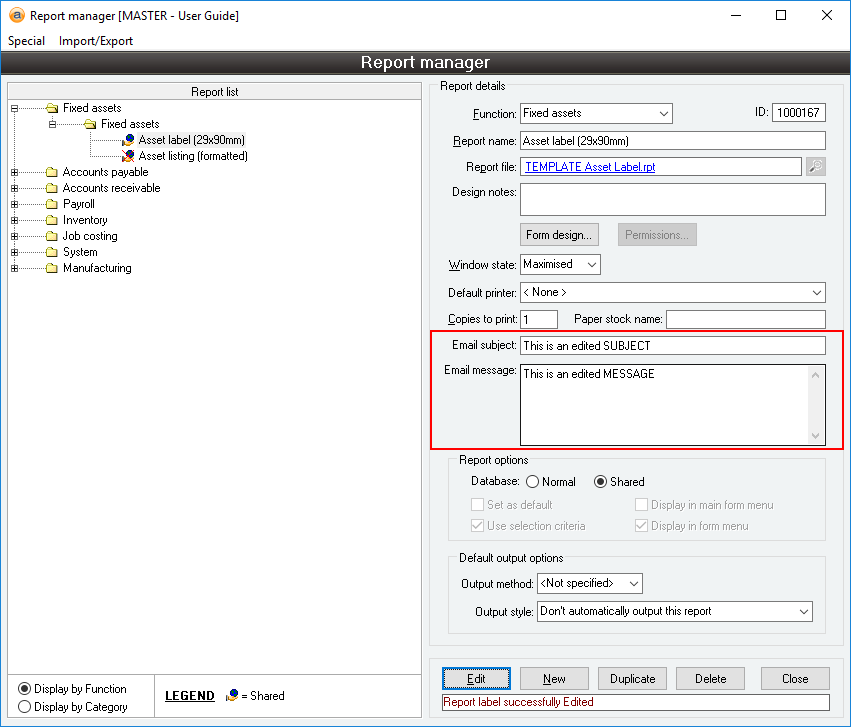
- Click Edit to put the Report details into Edit mode
- Specify your email subject and message. You are able to use Report email keywords to customise these fields if required
- Click Update
Did you find this article helpful?
If this article is missing information, ambiguous, or didn’t give you clear instructions, let us know and we will make it better! Please email us and quote the KB# in the top right of this article to let us know why it didn’t help you out and we will point you in the direction of additional information.