How to reset a login password
Overview
If a user is unable to access their account because they have forgotten their password, it will need to be reset to a new password.
Process
Go to System > Users > Users
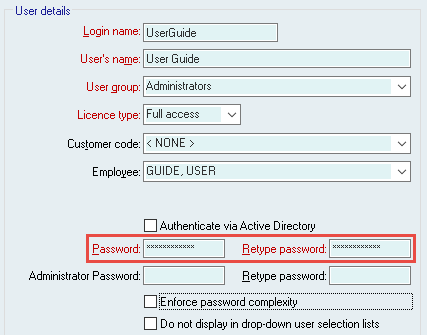
Click Edit, assign a new password and then press Update.
Did you find this article helpful?
If this article is missing information, ambiguous, or didn’t give you clear instructions, let us know and we will make it better! Please email us and quote the KB# in the top right of this article to let us know why it didn’t help you out and we will point you in the direction of additional information.