Why do reports default to email when I want to print them?
Accentis Enterprise supports the ability specify the default output method of your reports so that when you output a report, the correct output method is selected based on the which report. For example, a Sales order picking ticket report is usually printed, whereas a sales invoice report may be typically emailed to clients. However, both reports are classified as “Customer oriented” reports (because they are associated with a sales order, which is always in respect of a customer) and therefore unless specified otherwise, these reports will look to the customer record Preferred reporting method to decide how they should output by default (either print, email, fax or PDF).
In Accentis Enterprise, you can force a report to always default to print, regardless of the setting of the customer’s default output method, by setting them up as follows:
- Go to Database > Report Manager
- Locate the report on the left whose setting you want to change
- Edit, and change the Output method
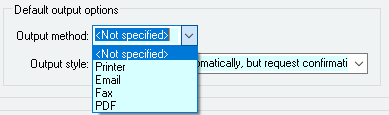
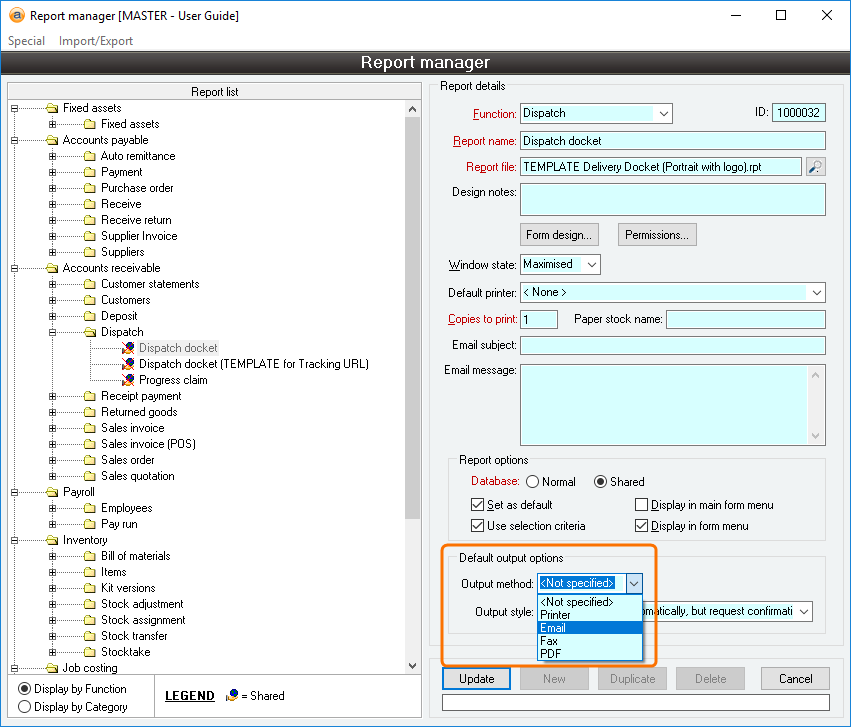
This will force the report output to default to your chosen output method and overridden any setting on the customer record.
For more information , see the user guide section on the report Output method.
Last edit 22/10/19