Why does Accentis let you over-invoice a receive
Accentis will allow you to “over invoice” a receive so that if a supplier genuinely sends you two bills for the one receive, you can record this in the system in a way that prompts you to do something about it. Otherwise, if you decide to just ignore the additional invoice, the supplier will still believe you owe the money.
This process is controlled with warnings and checks so that it does not go unnoticed.
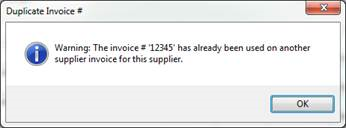
If you attempt to enter an invoice for a receive using the same Invoice #, you will be warned:
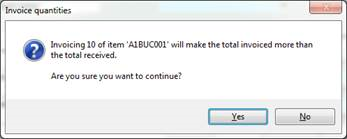
If you attempt to over-invoice a line, you will be warned:
The Supplier invoice form will allow you to suspend payments for this invoice until the issue has been resolved:

Along with being allowed to do this data entry comes the responsibility of acknowledging the warnings and dealing with them appropriately.
If a Receive is over-invoiced, it will make the Receive now not “fully received” (this means both under or over received) and will appear in un-invoiced receives report until the quantity and value of goods received is equal to the quantity and value of goods invoiced for each line on a Receive.